CAFÉS · RESTAURANTS · RETAIL

One menu, one stock count,
one set of takings.

One system for a kitchen and a shelf alike: the terminal on your counter, an app for your floor staff, and a QR menu your diners can simply talk to — all working from the same menu and prices, however many outlets you run.

The terminal keeps selling when the Wi-Fi drops AI ordering at every table

THE WHOLE PICTURE

One office, and three screens that answer to it

YOUR COUNTER

In shops now

The terminal

Takes the money, opens the drawer, prints the receipt, and drives the screens facing your customer and your kitchen. Keeps trading when the internet does not.

YOUR FLOOR

Ready

The staff app

A phone and a barcode. Check a price, count stock, add a new line, and clock in and out of a shift.

YOUR CUSTOMER

Ready to launch

The customer app

Cashback they earn with you and credit they top up, both spendable at any branch, plus ordering ahead and a QR menu they can simply talk to.

THE BACK OFFICE

One website. Every outlet.

Open it in any browser. Change a price here and every terminal and every phone has it — you do not visit a shop to update a menu.

Menu and prices

one list, all branches

Stock

what is on each shelf

Staff and outlets

who may do what

Sales and points

takings, reports, rewards

Each screen sees only what its job needs. A cashier cannot change a price, a supervisor cannot read another branch's takings, and a customer sees nothing but their own balance.

WHY CHAINS CHANGE SYSTEM

Four things that cost a café, a restaurant or a shop a lunchtime

None of these show up in a demo. All four decide whether a busy Saturday runs smoothly or turns into a queue and an argument.

The line goes down

The shop stops when the internet does

Most systems need a connection for every sale. Ours keeps your whole menu on the terminal and sends the day up later, so a dead line costs you nothing.

sold 2:02pm, sent +3d

The update lands

An upgrade breaks the terminals mid-service

Your terminals are the last thing that should be surprised by a change in head office. Nothing goes out until it has been checked against the version already in your shops.

1,551 checks a build

The day gets blamed

Yesterday's takings land on today

Every report counts a sale on the day your terminal took the money, not the day it reached us — so a shop that was offline does not flatter the wrong Monday.

sold Fri, counts Fri

The last one sells twice

Two terminals sell stock you do not have

Stock, prices and points move one at a time and keep their own history. Two counters cannot both sell the last box, and every change has a name and a time on it.

who, when, from what

These are not speed problems. They are the ones that put a queue at your counter or a wrong figure in your month end — and they are the reason this was built the way it was rather than the quick way.

AI ORDERING

Your customer talks to the menu, and the menu takes the order
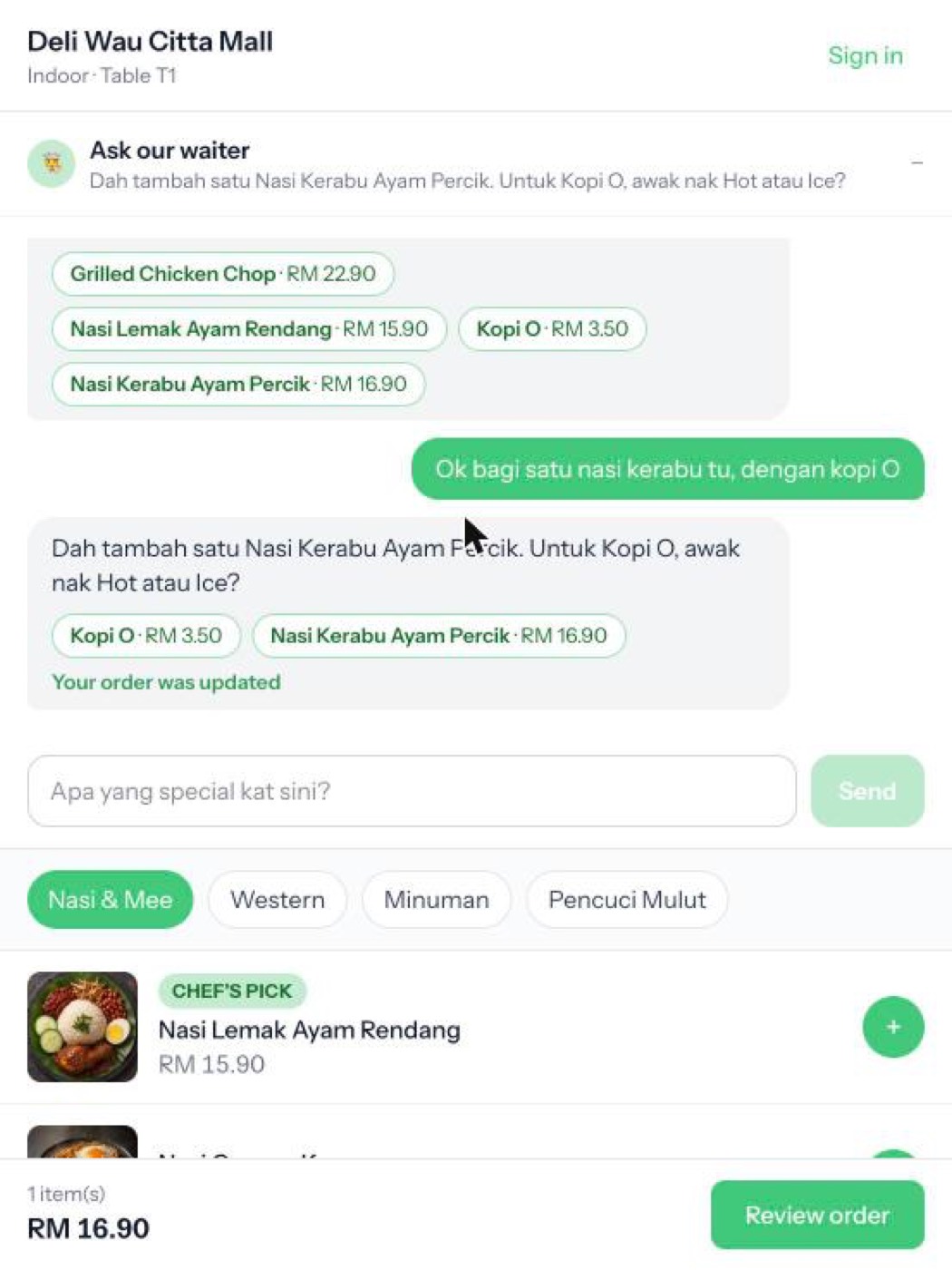
A customer asking the menu what is good, in Malay
Asked in Malay, and on the bill

It takes the order, not just the question

“Bagi satu nasi kerabu, dengan kopi O” puts both on the bill. If a drink comes hot or iced and they did not say, it asks rather than guessing — and it will not add something that has sold out.

It sells the way your best waiter does

“Apa yang special kat sini?” is somebody deciding, not searching. It leads with what your kitchen has marked, says why, and is not allowed to name anything that is not on your menu.

You decide what is worth recommending

Tick today's special or chef's pick on any item in the back office, add a line about why, and that is what it leads with. Switch the whole thing off per branch whenever you like.

It never invents a dish. Every answer is checked against your menu before the customer sees it, and anything off the menu is turned into “ask a member of staff” rather than a guess.
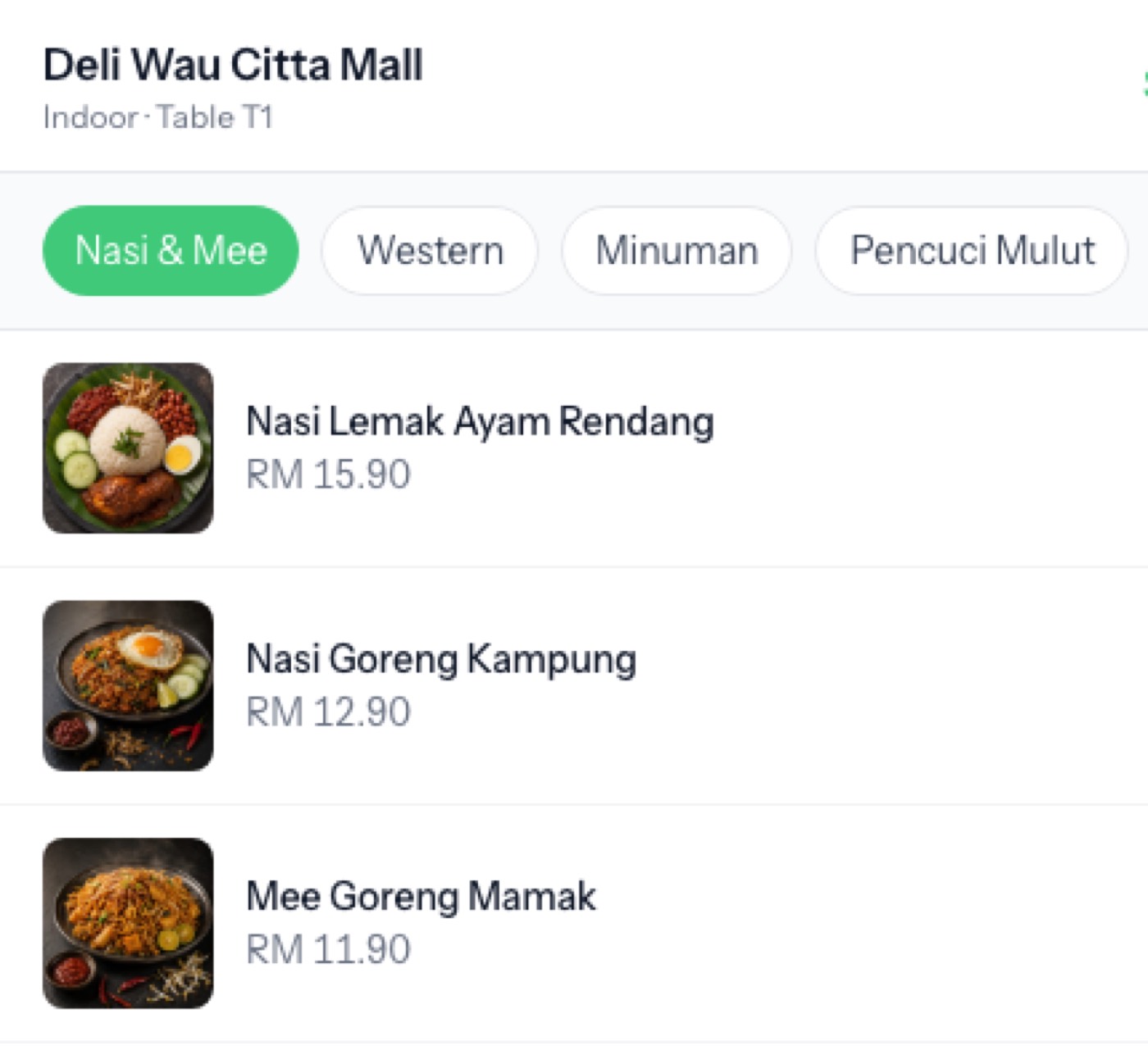
The menu a QR code on the table opens

Your customers order without downloading anything

One code per table

The code is tied to that table and cannot be edited into somebody else's bill. Print it on the table talker and it works from any phone camera.

It waits for your cashier

The order lands on the terminal as a request, not a done deal. Your staff accept it and it becomes an ordinary table order — nothing reaches the kitchen unseen.

A person always says yes. An order nobody accepted is food nobody cooks. Somebody at the counter accepts every one, so a table is never waiting on a ticket that never printed.
HEAD OFFICE

Every branch on one screen, or one branch on its own

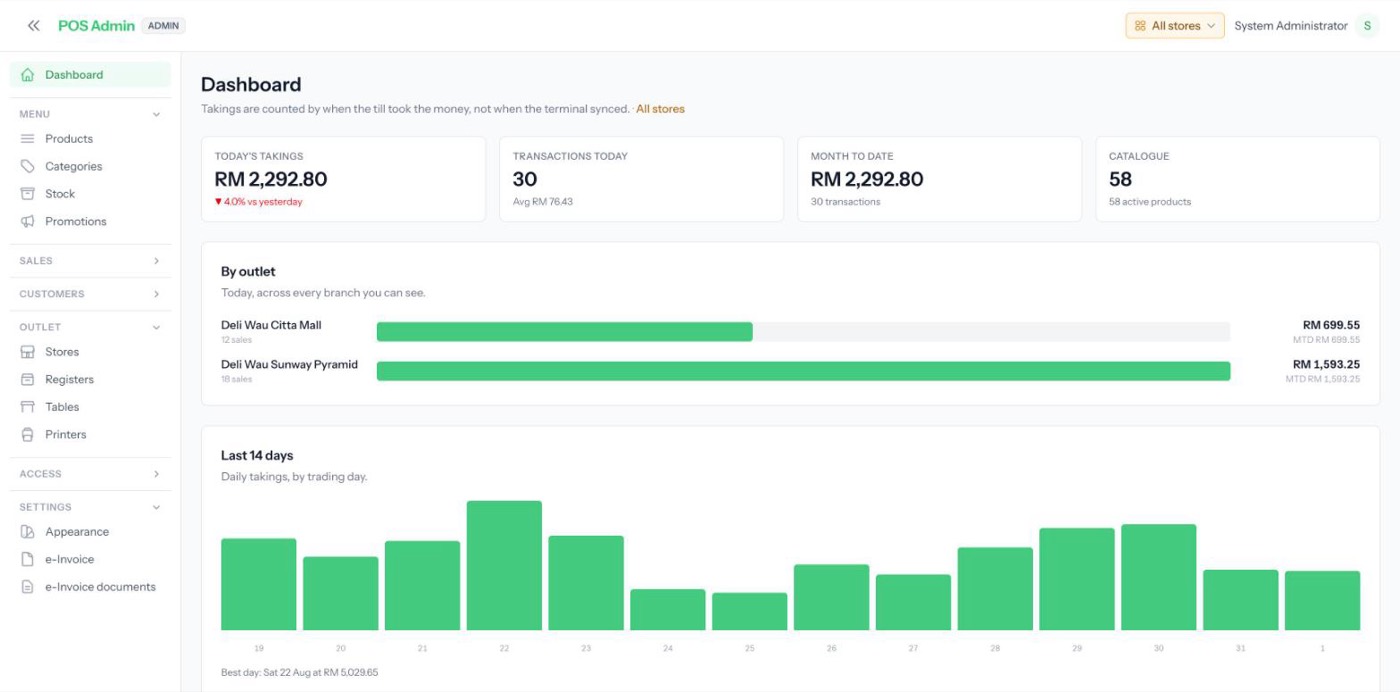
The back office showing every branch at once
All stores: the group's day, and every branch inside it

The group's day, branch by branch

Takings today and month to date for every outlet, side by side and ranked. No logging into each shop on Monday morning.

Or one branch, in full

Pick an outlet in the topbar and the whole office follows — menu, stock, staff and reports. Switch back for the group.

Managers see only their own

A branch manager's account is tied to their outlet and cannot read another's takings. The group view is yours to hand out.

One outlet or fifty, it is the same screen. Opening a branch adds a row here, not a system to reconcile against the others.

EVERY SCREEN IN THE SHOP

The same system, wherever somebody is standing

The terminal

The terminal

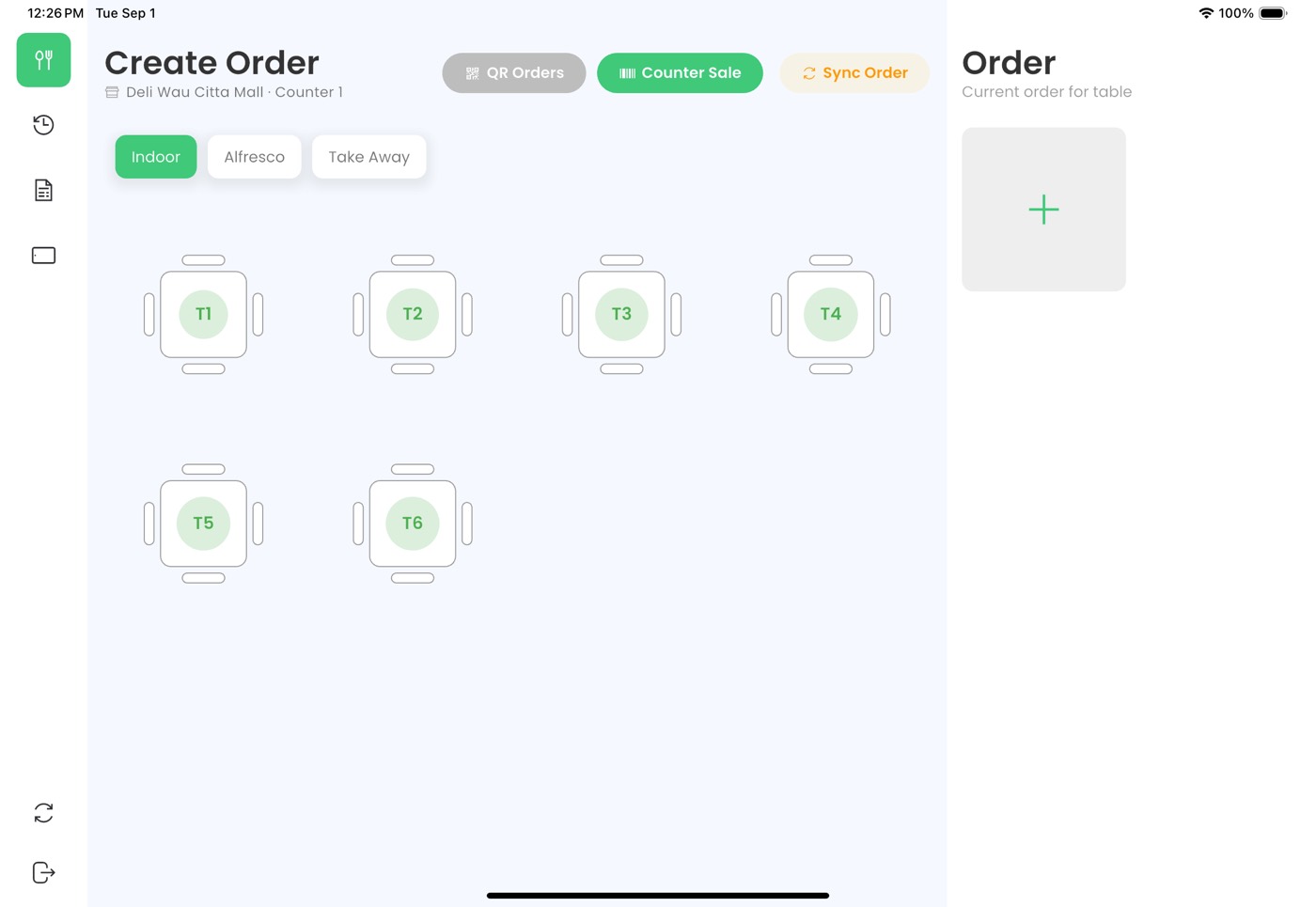
Tables, counter sales and takeaway — and shelf goods scanned by barcode. Keeps selling with no signal.

The customer screen

The customer screen

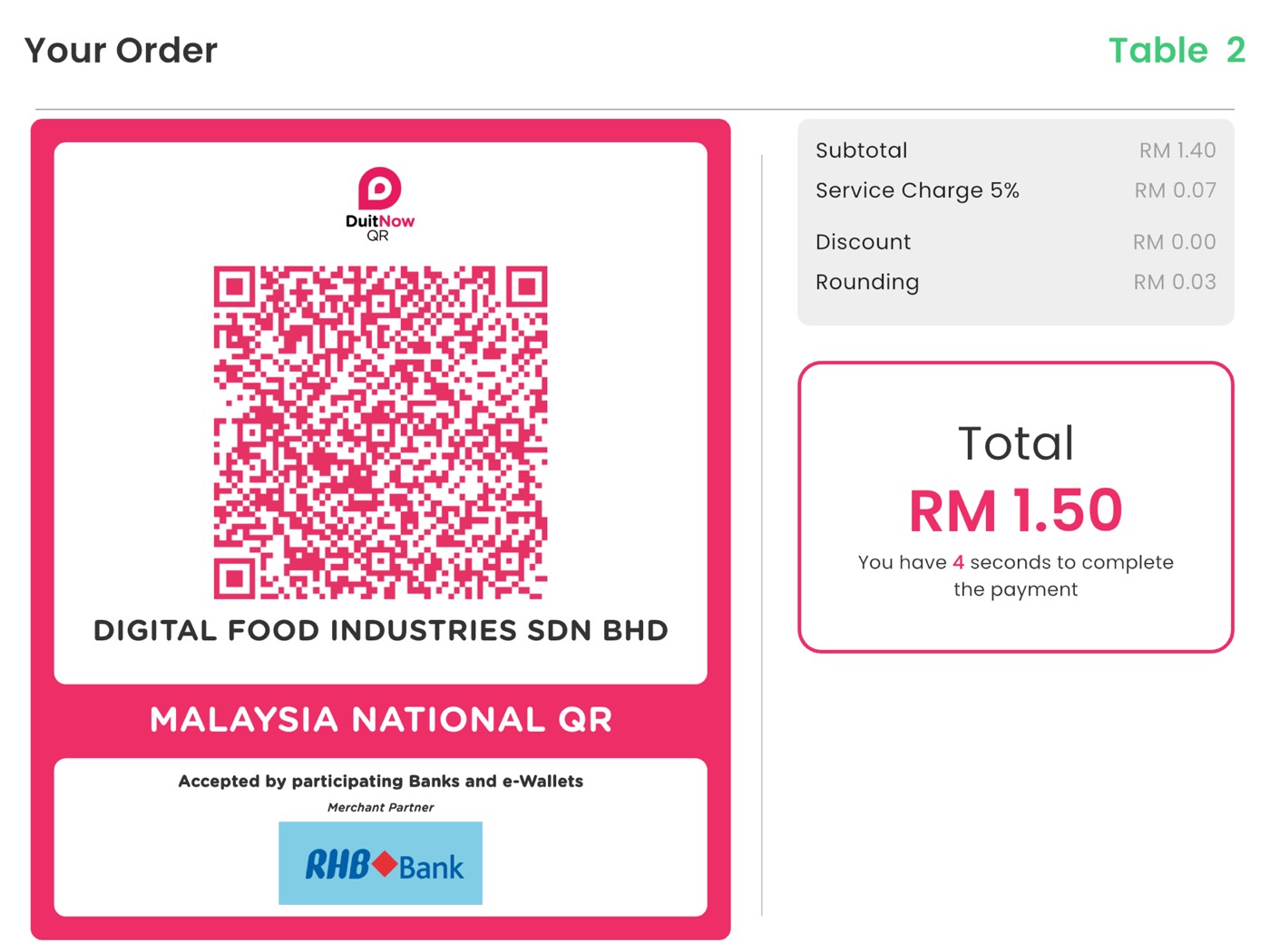
The bill in front of them as it is added up, and a DuitNow QR carrying the exact amount. Promotional video between customers.

The kitchen and drinks screens

The kitchen and drinks screens

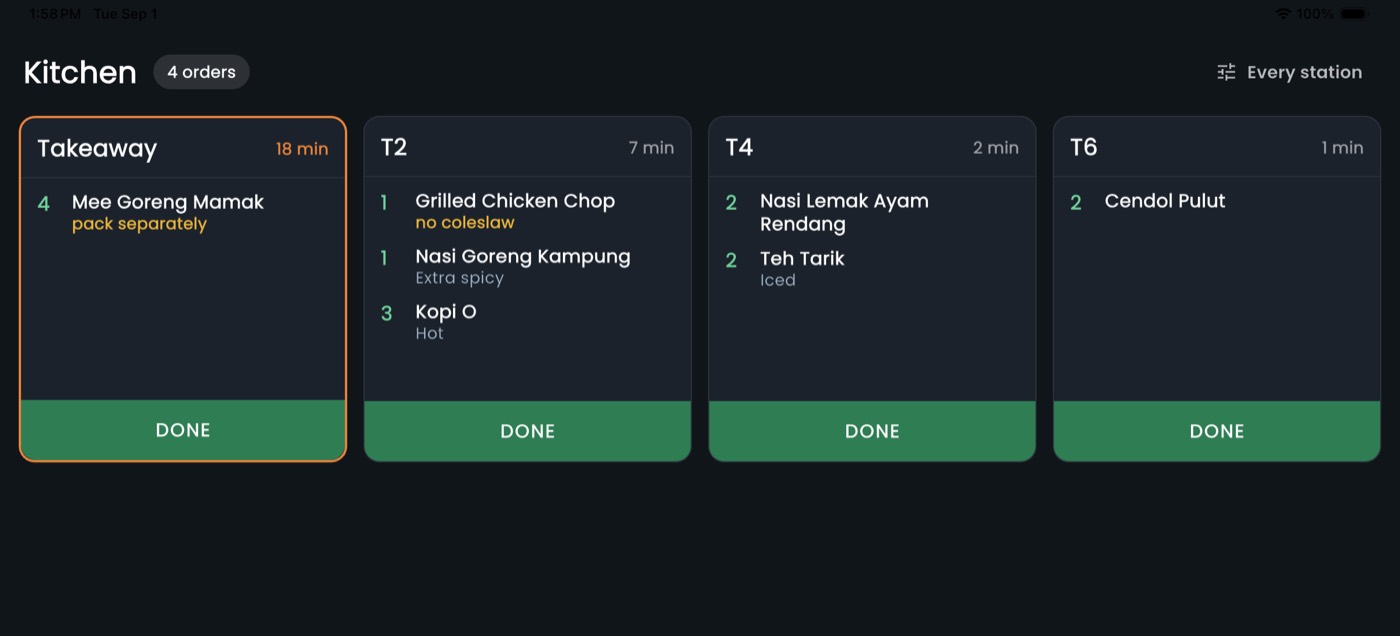
Each stands in for one of your printers. Run screens, paper, or both together.

The staff app

The staff app

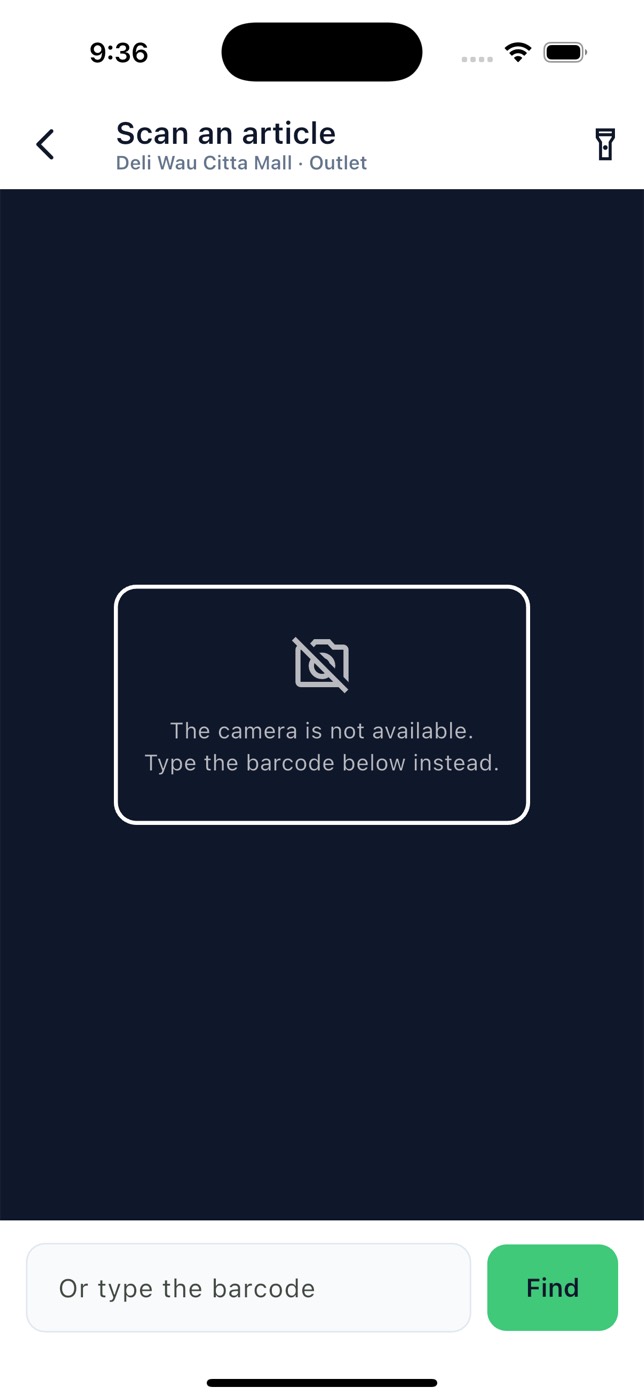
A phone and a barcode. Check a price, count stock, add a new line, clock in and out.

The stock ledger

The stock ledger

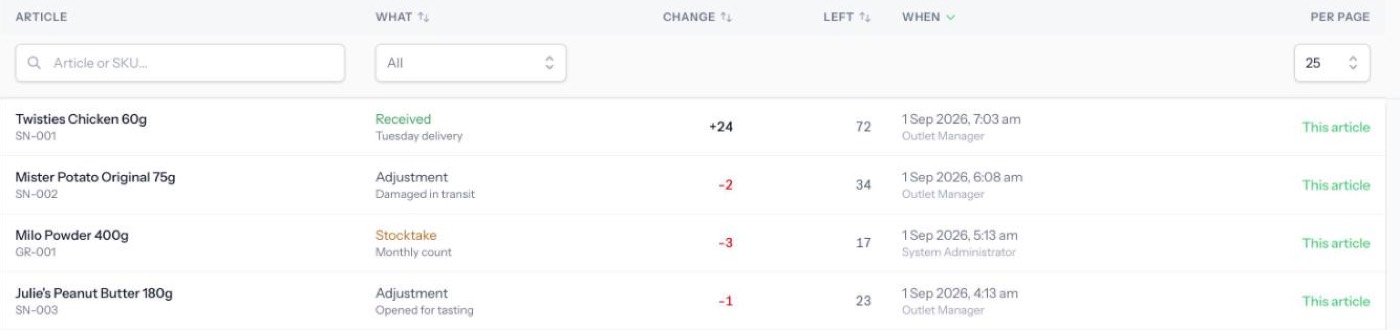
Every movement, who made it, and the balance it left. Nothing is ever edited — a mistake is corrected by posting its opposite.

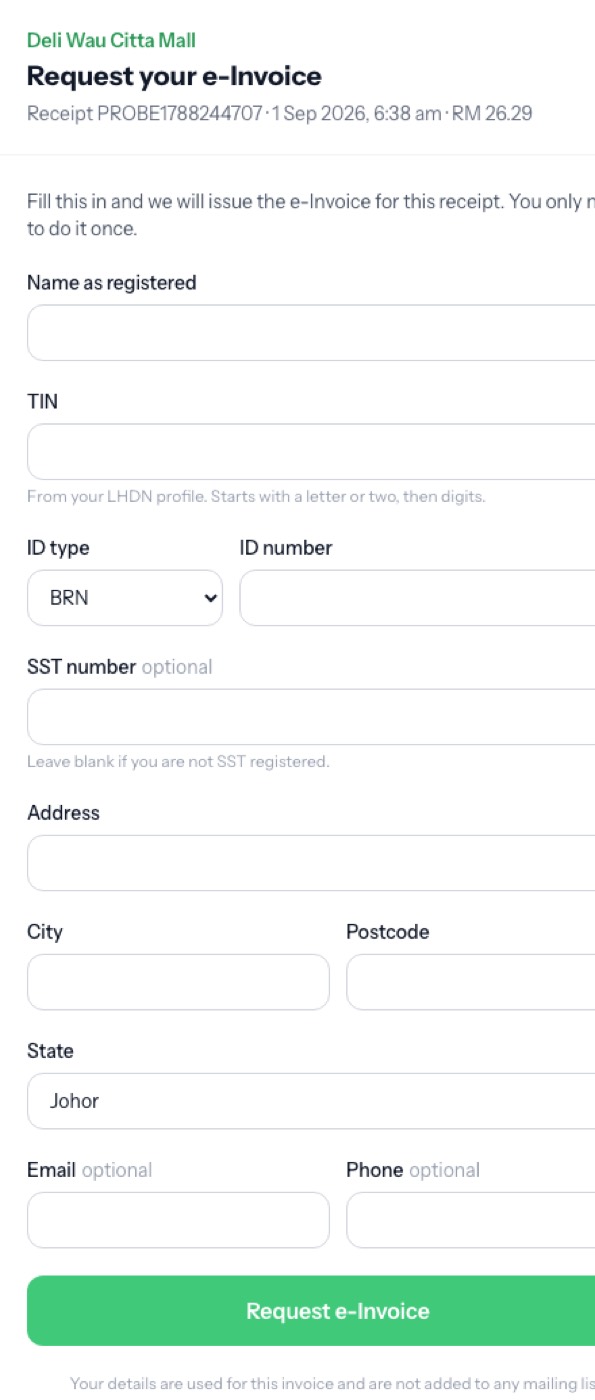
LHDN e-Invoicing

LHDN e-Invoicing

A code on every receipt. The customer enters their own details at their own desk, and everyone else is covered by a monthly consolidated document.

WHERE TO START

One branch,
for one month.

A terminal on the counter, a phone for your supervisor, codes on the tables and the app in the hands of a few regulars. Your busiest shop, your real menu, your own month end to check it against.

Not four things to join together. One menu, one stock count and one set of takings, with four ways to reach them.